
Advertisement
Click to download now, finish the installation quickly, and directly unlock the all-round experience
Advertisement
Screenshots
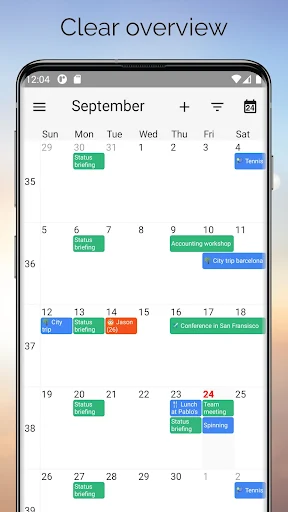
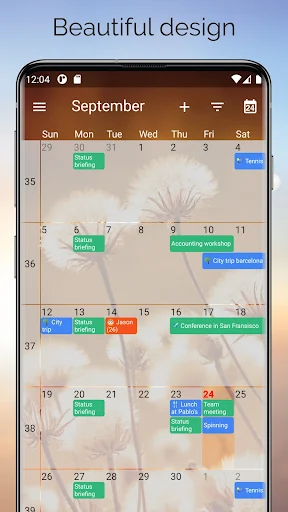
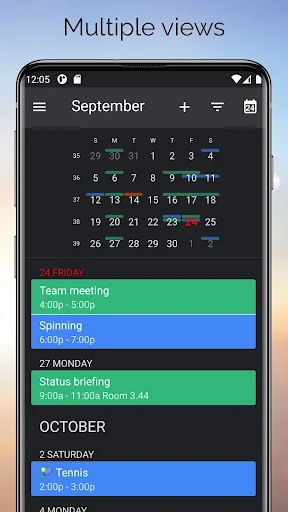
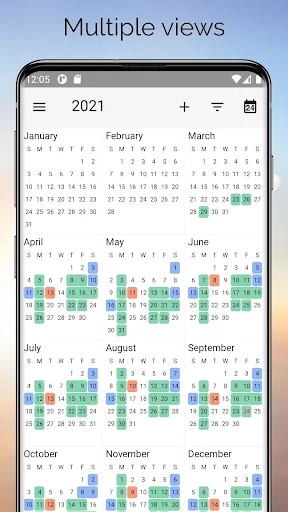
Click to download now, finish the installation quickly, and directly unlock the all-round experience
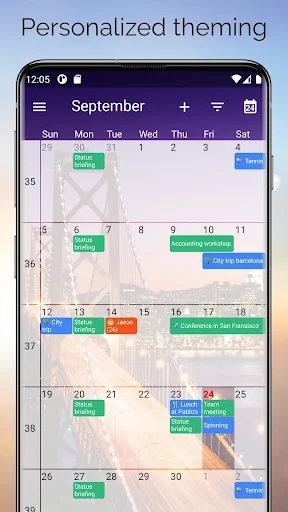
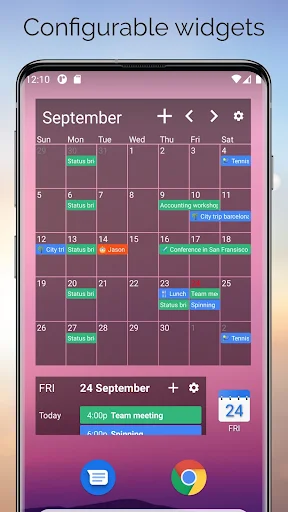
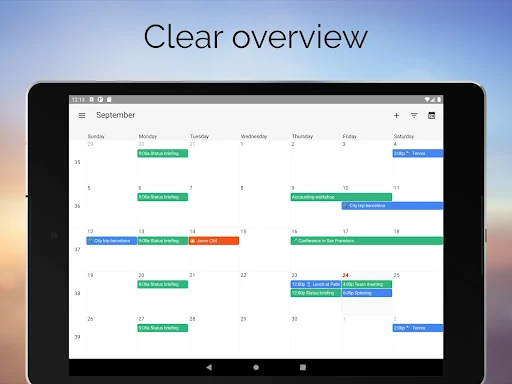
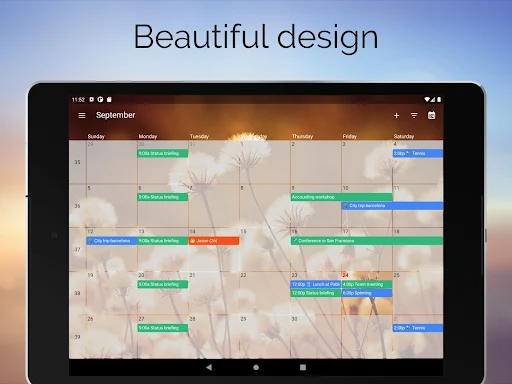
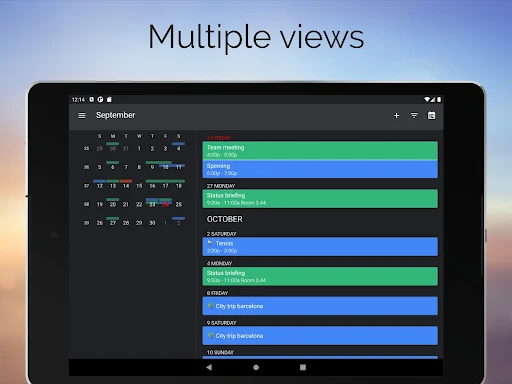
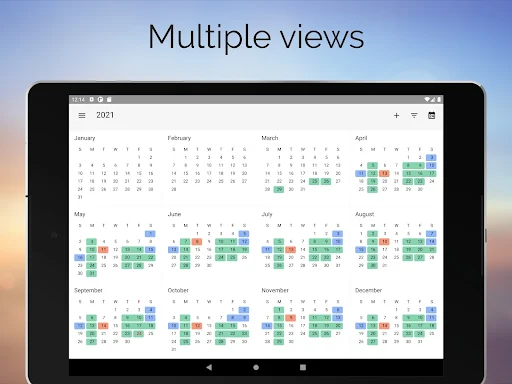
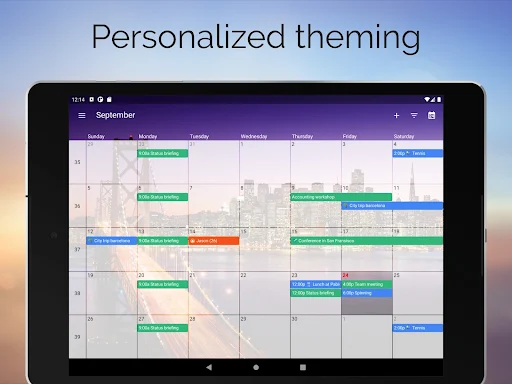
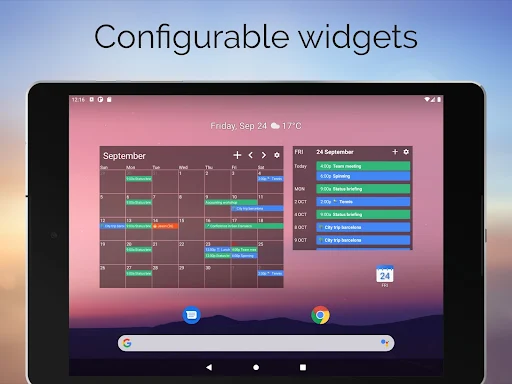
One Calendar brings calendars from different services into a single overview, where you can view and manage appointments, events and birthdays. It may suit you if your plans are spread across more than one calendar account and you would rather check them in one place than switch between separate services.
The app is listed in Productivity and is developed by Code Spark. Its usefulness depends in part on which services you use and whether you prefer a combined calendar view to managing each account on its own.
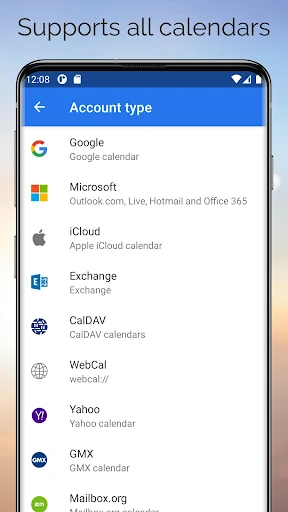
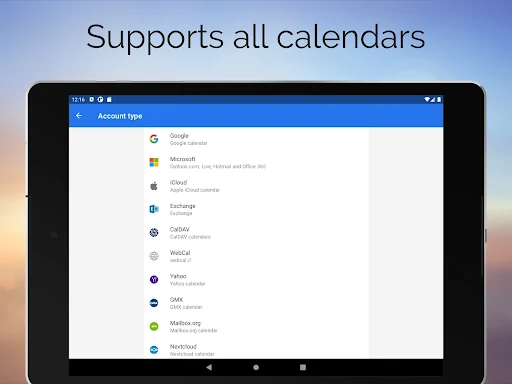
One Calendar supports calendars from a range of providers, including Google, Outlook, iCloud, Exchange, Office 365, Yahoo, Nextcloud, Synology, GMX, Mailbox.org and ownCloud. That range may be relevant if you use a personal calendar alongside a work or hosted account. Check that the services you rely on are included before making it your main way to review your schedule.
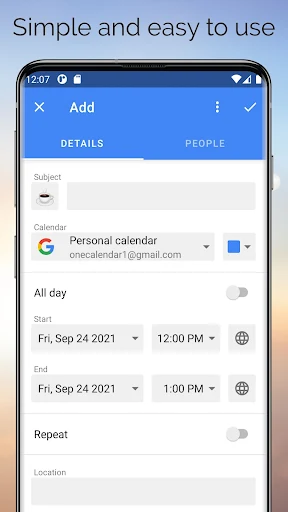
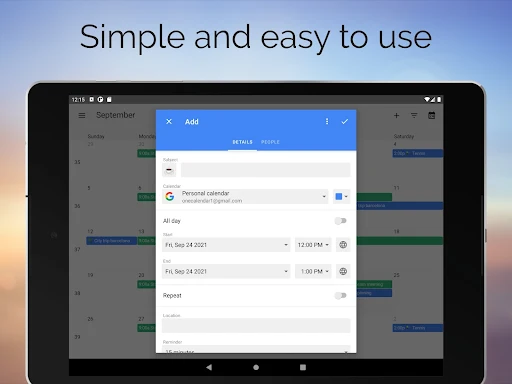
Rather than being only a place to look at appointments, One Calendar is described as letting you manage them as well. The supplied information also names events and birthdays, so the app is intended to cover more than meeting entries alone.
One Calendar has a rating of 4.69 out of 5 from about 64,900 ratings, with more than 1 million installs. Those figures show that many people have tried and rated it, but they cannot tell you whether its combined view fits your habits, accounts or phone. If you keep your schedule in a single service already, a multi-calendar view may matter less to you than it does to someone coordinating several accounts.