Print and scan with a Brother machine
Brother iPrint&Scan connects an Android device to a compatible Brother printer or all-in-one over a local wireless network. It suits people who want to print or scan from their phone without routing the task through a computer. Supported models and available functions vary, so the app is most useful if your particular Brother machine is on the compatibility list.
Everyday phone-to-printer tasks
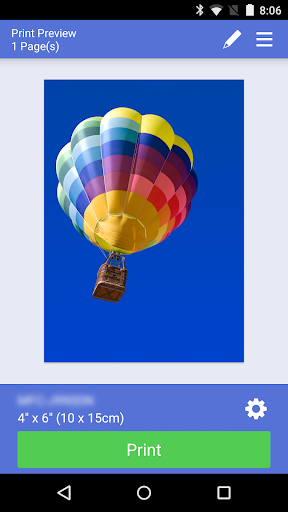
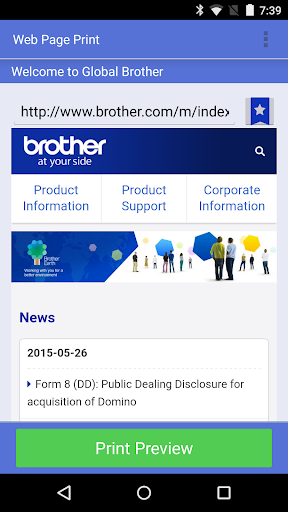
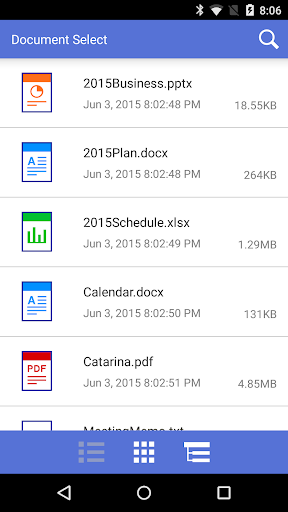
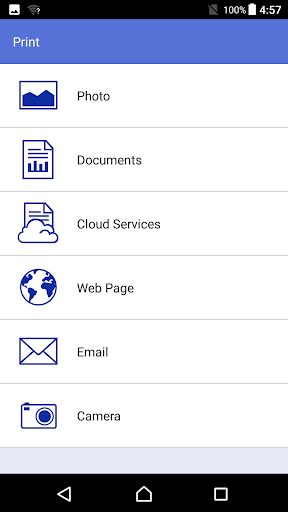
You can print photos, web pages and common document types, including PDF and Office files. The app can also send print jobs from services such as Dropbox, OneDrive and Evernote. For scanning, save an image to your phone or send it by email as a PDF or JPEG. The app searches the local network for supported devices, which may make setup simpler when the printer and phone are already connected to the same network.
Features depend on the model
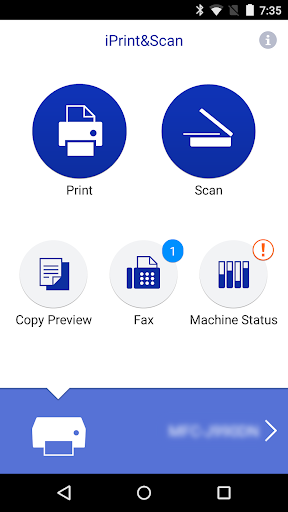
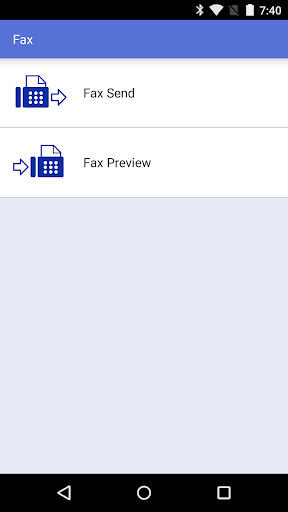
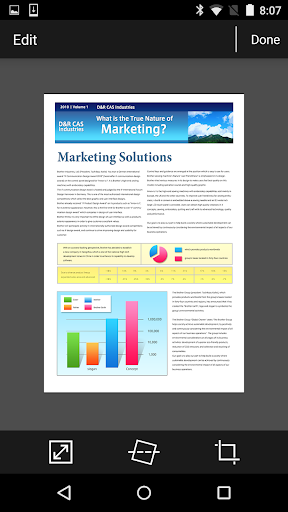
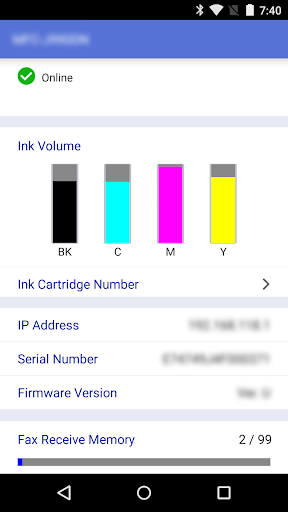
Some newer Brother machines add options such as editing a scan preview, sending or viewing faxes, previewing a copy, and checking machine status, including ink or toner levels and error messages. These are not universal features; what appears in the app depends on the selected device. NFC printing or scanning is also limited to machines and phones that support the function.
Consider the fit, not just the rating
Brother Industries, Ltd. is the developer. The listing shows more than 10 million installs and a rating of about 3.0 from 107,006 reviews. That broad response can offer context, but it cannot tell you whether the app will work smoothly with your printer, network and usual documents. Check model compatibility first, especially if you need one of the advanced functions; if your machine is supported, the app brings routine printing and scanning into one phone interface.