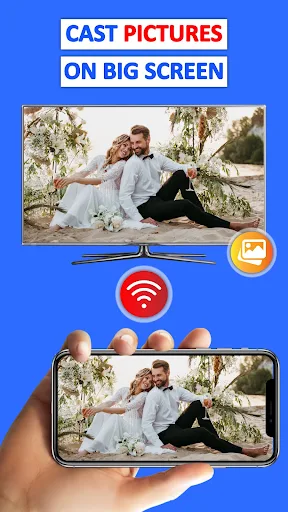
Share your phone screen on a larger display
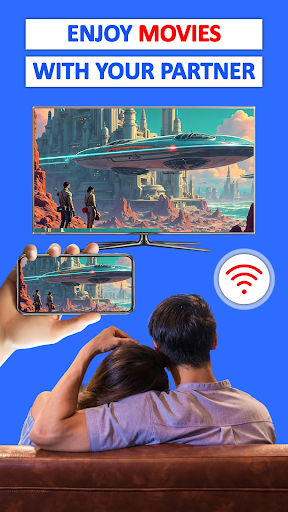
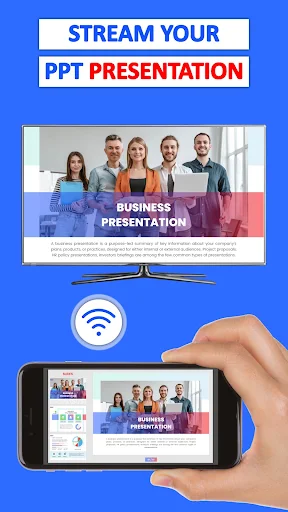
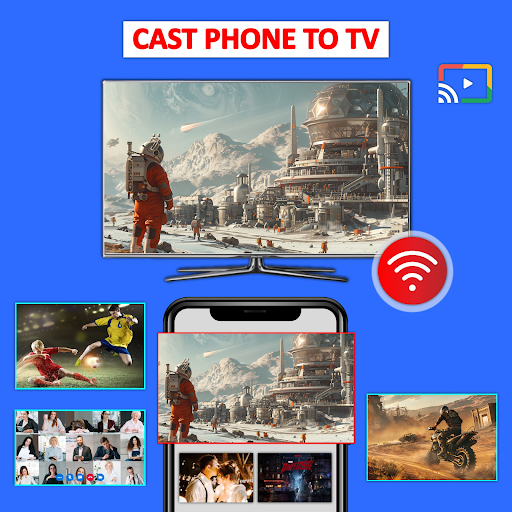
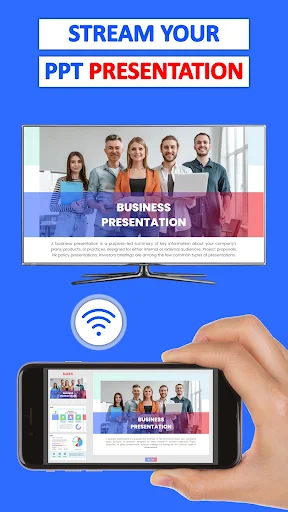
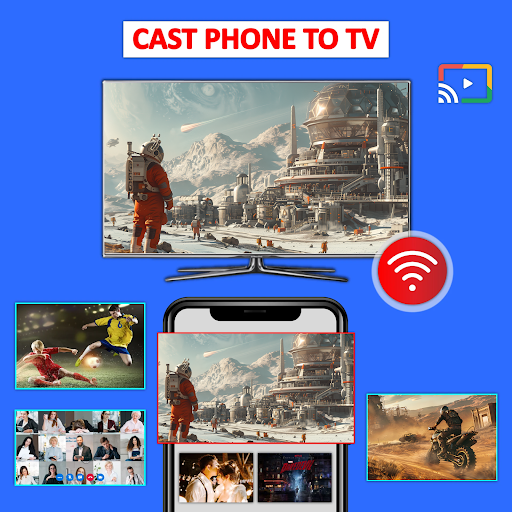
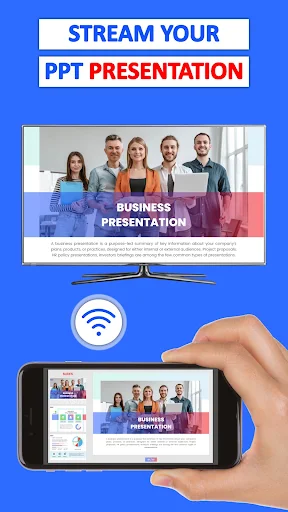
Cast Phone to TV, Chromecast is a screen-casting app for showing phone content on a compatible TV or other supported display. It suits people who want to view photos and videos together, mirror a mobile game, or put a presentation or document where a group can see it. The listing places it in the Business category, though its uses also include everyday media sharing.
Content you can cast
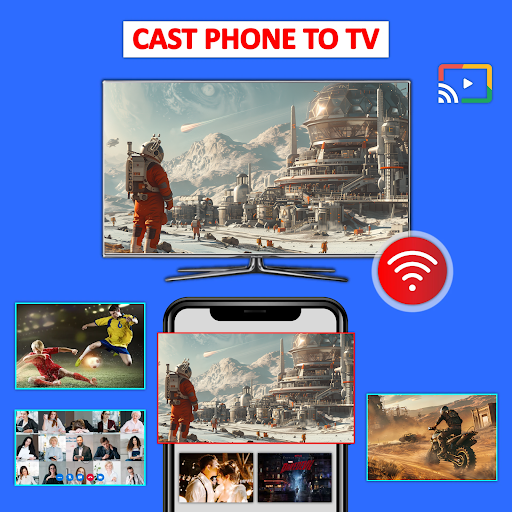
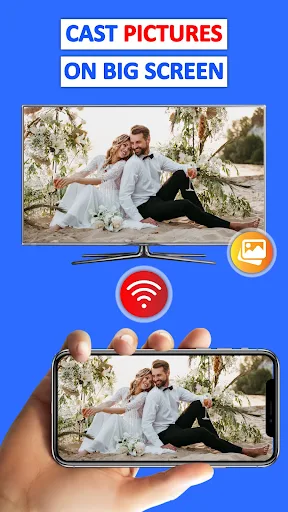
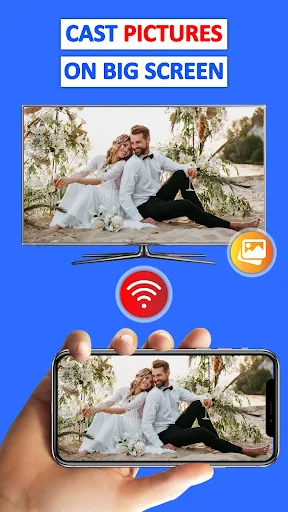
The app is described as supporting photos, videos, PDFs and other documents. You can cast items from your phone or mirror the screen, depending on what you want to show. Screen mirroring may be useful when you want to display an app or game that is not simply a saved video or photo. Supported devices include Chromecast-enabled devices and compatible smart TVs.
Check your setup and routine
Casting depends on the phone and receiving display being compatible. The supplied guidance says to connect both devices to the same Wi-Fi network, then scan for a display and select it. That makes the app a better fit for a home, meeting room or other setting where the display and phone can join the same network. If you mainly need to share files with people who are not nearby, this is not the kind of tool the listing describes.
Popularity is only one signal
Cast Phone to TV, Chromecast is published by Generation z apps. It has more than 10 million installs and a rating of about 3.96 from 55,820 ratings. Those figures show that many people have tried it, but they cannot tell you whether it will work smoothly with your particular phone, TV or Wi-Fi setup. Consider which devices you need to connect and whether you want full-screen mirroring or just to show selected media.